Fluentd
Fluentd UI
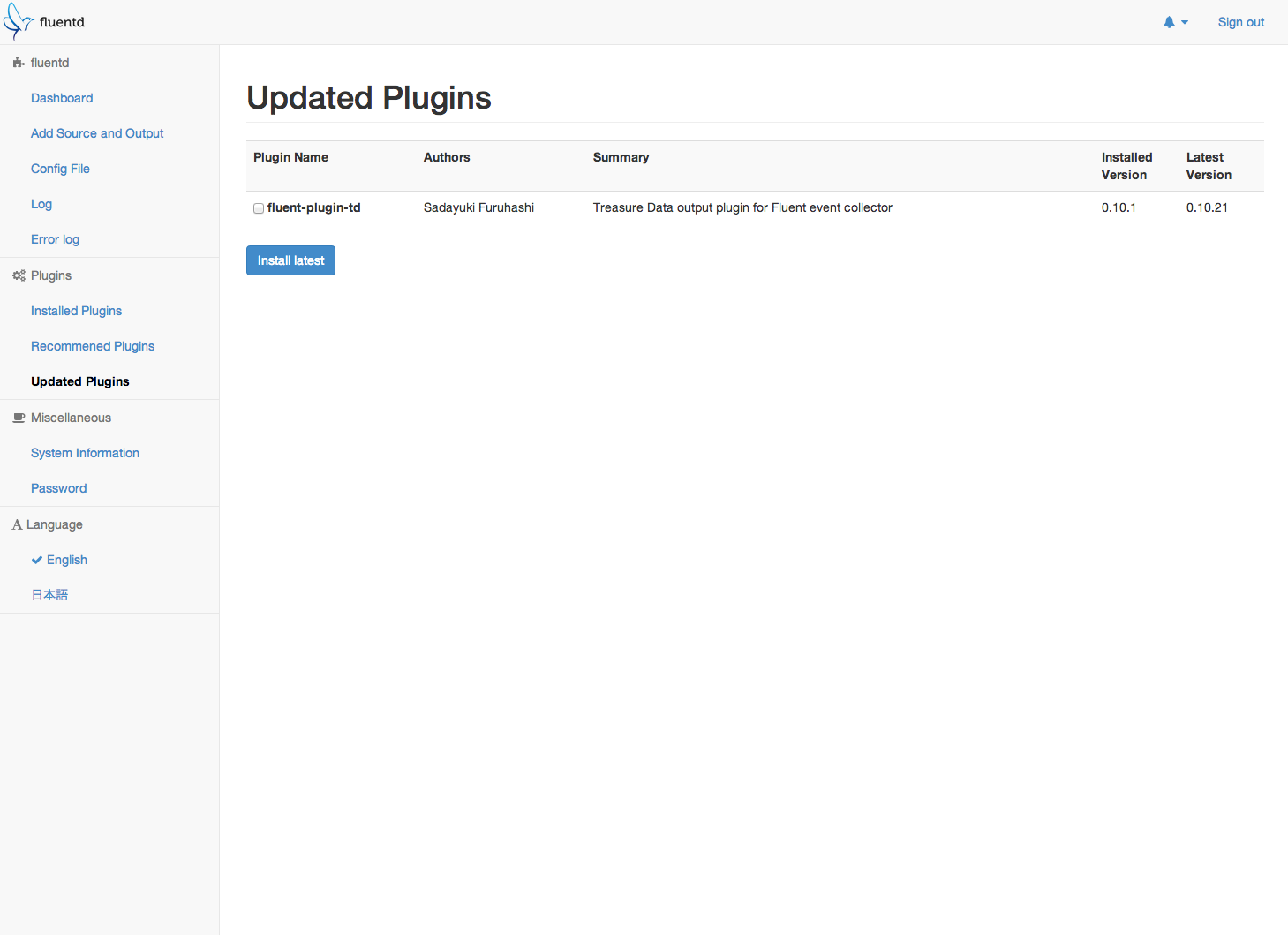
fluentd-ui is a browser-based fluentd and td-agent manager that supports the following operations:
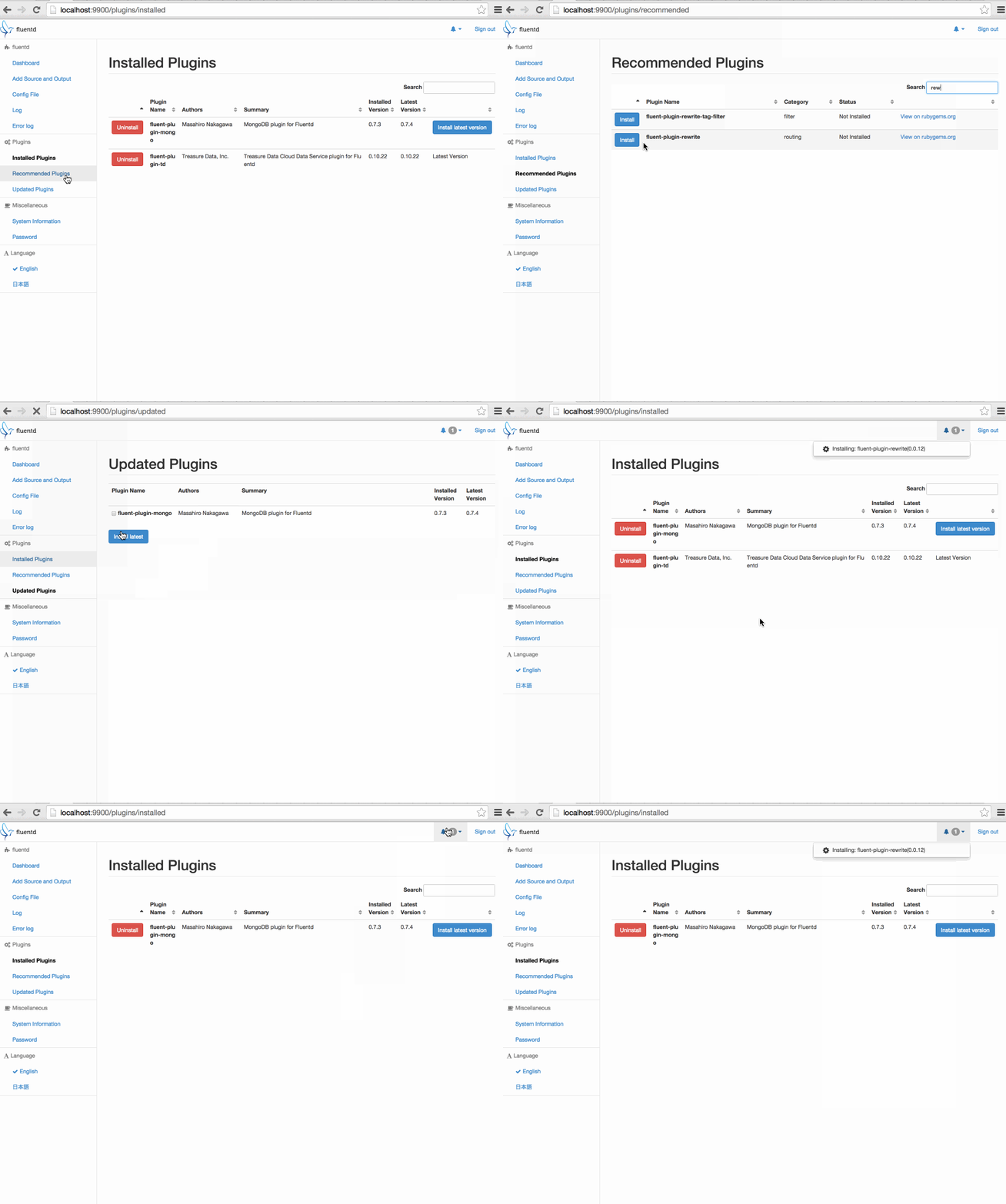
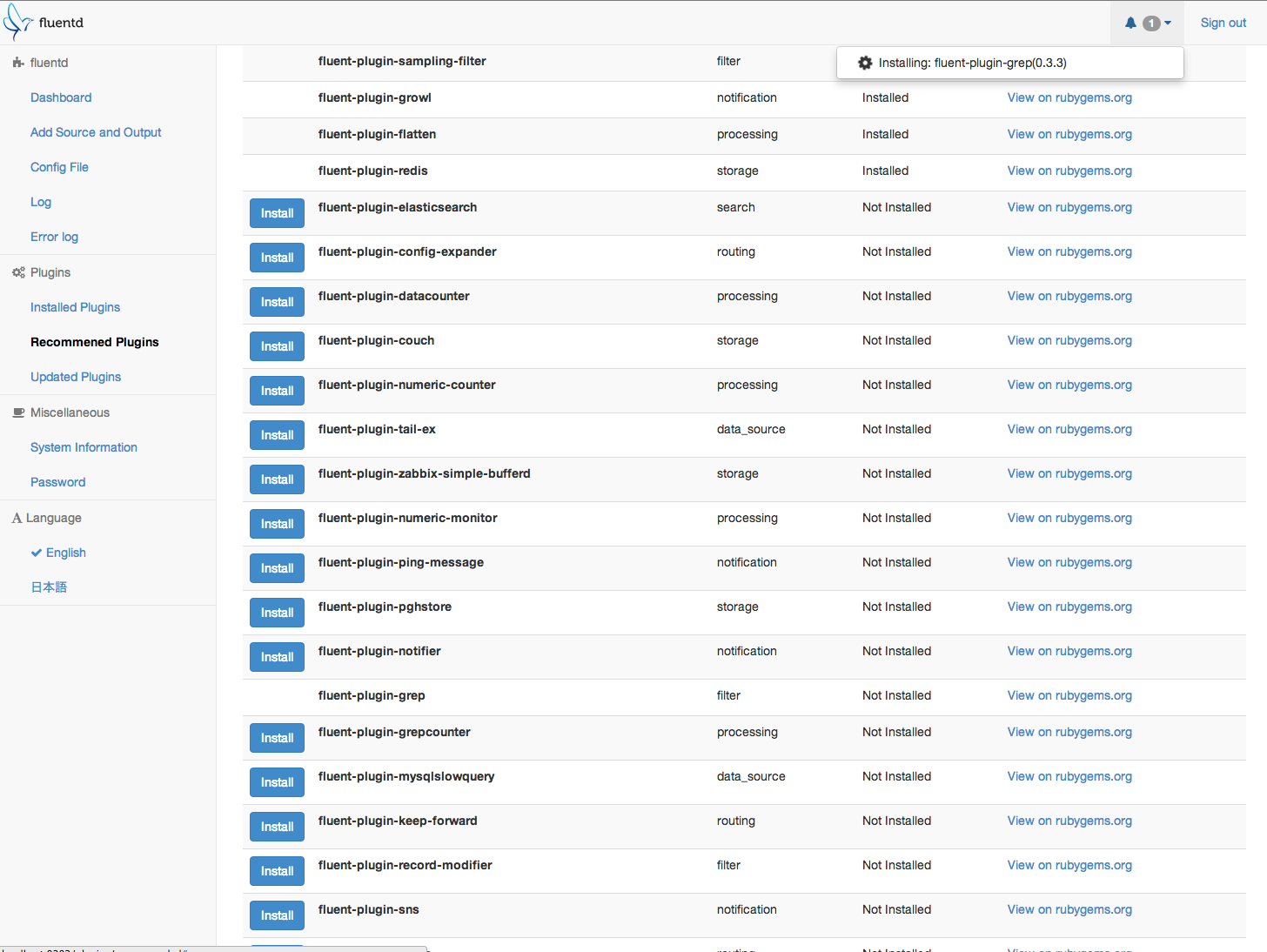
- Install, uninstall, and upgrade Fluentd plugins
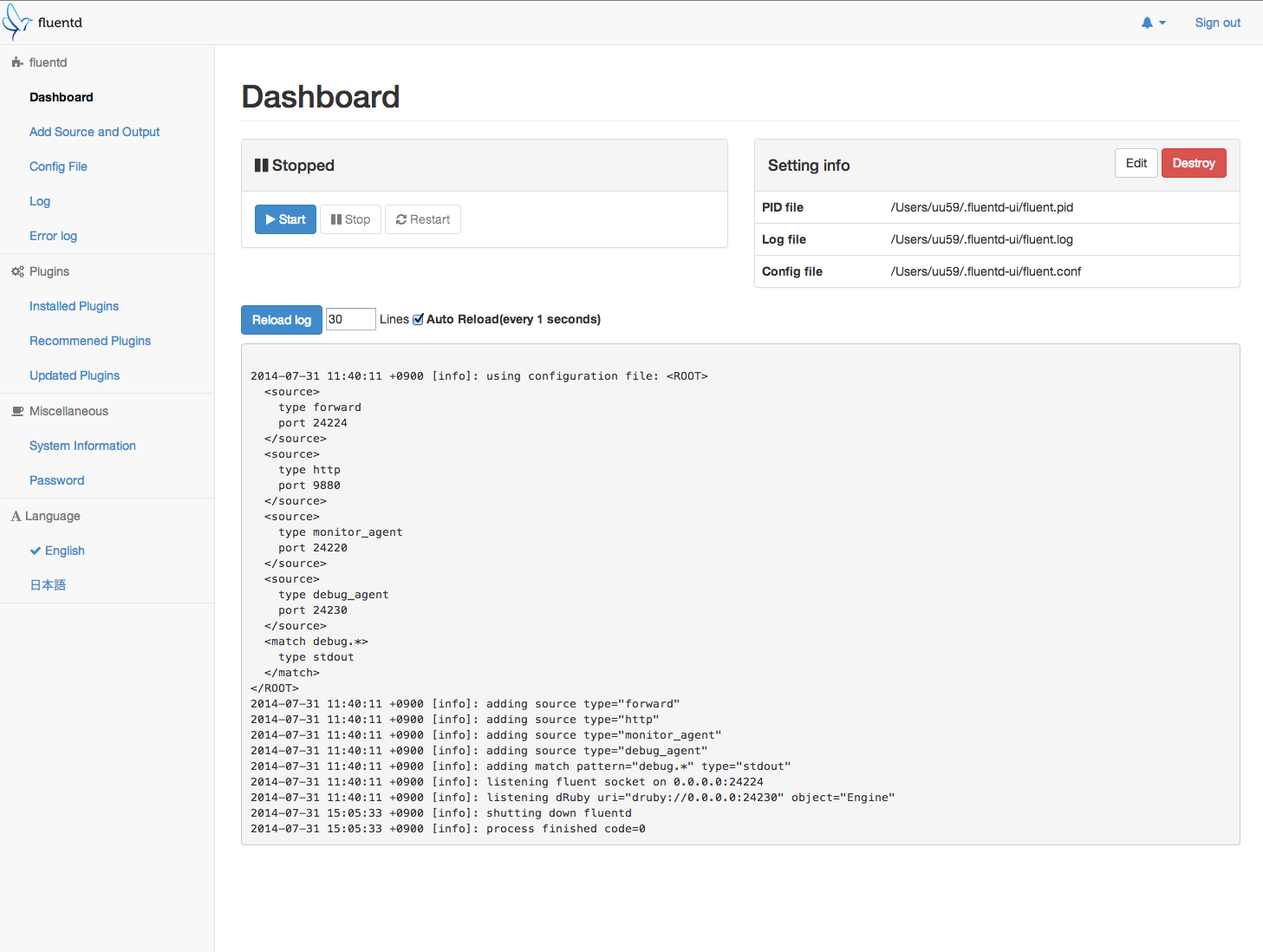
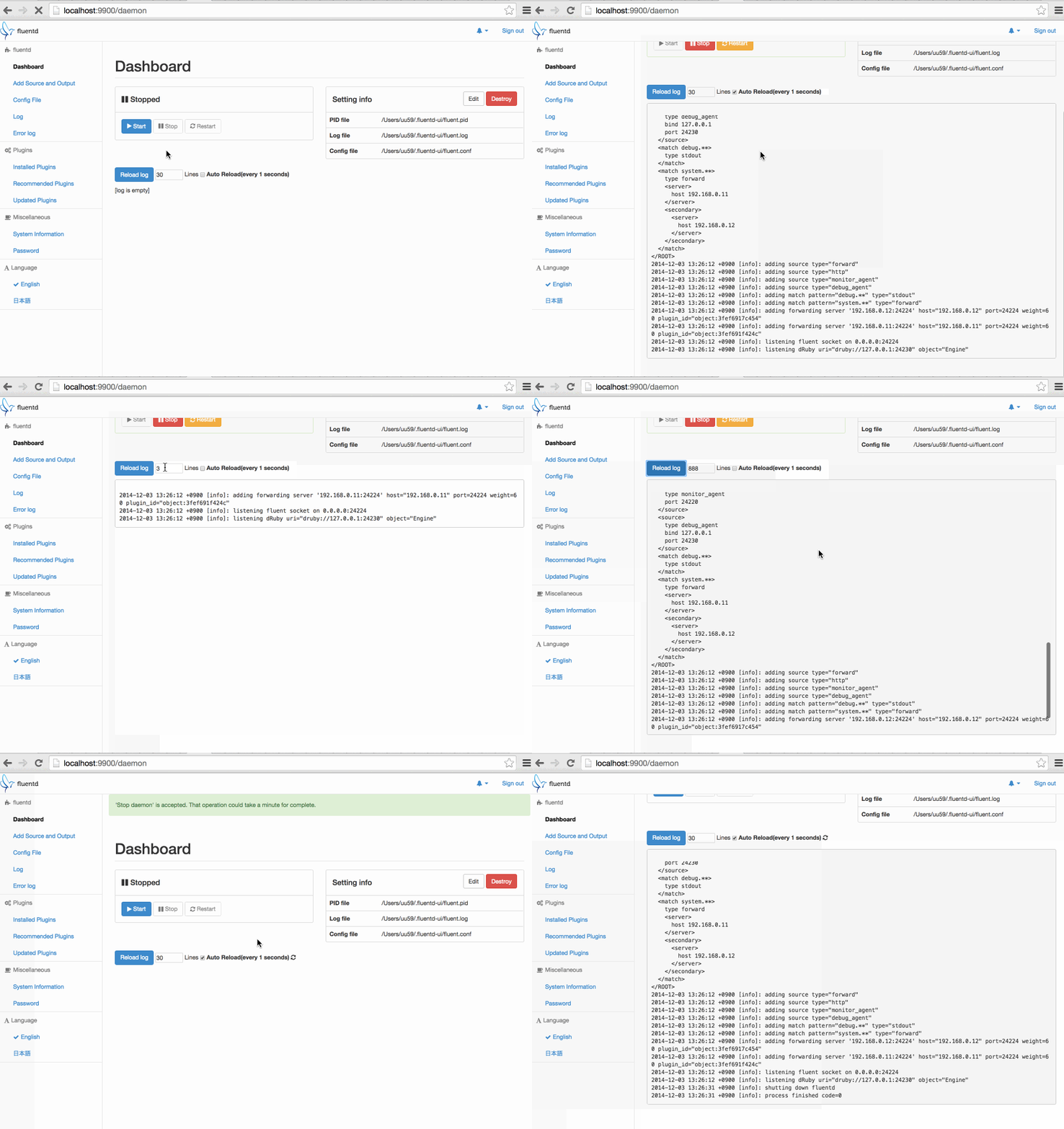
- Start/stop/restart fluentd process
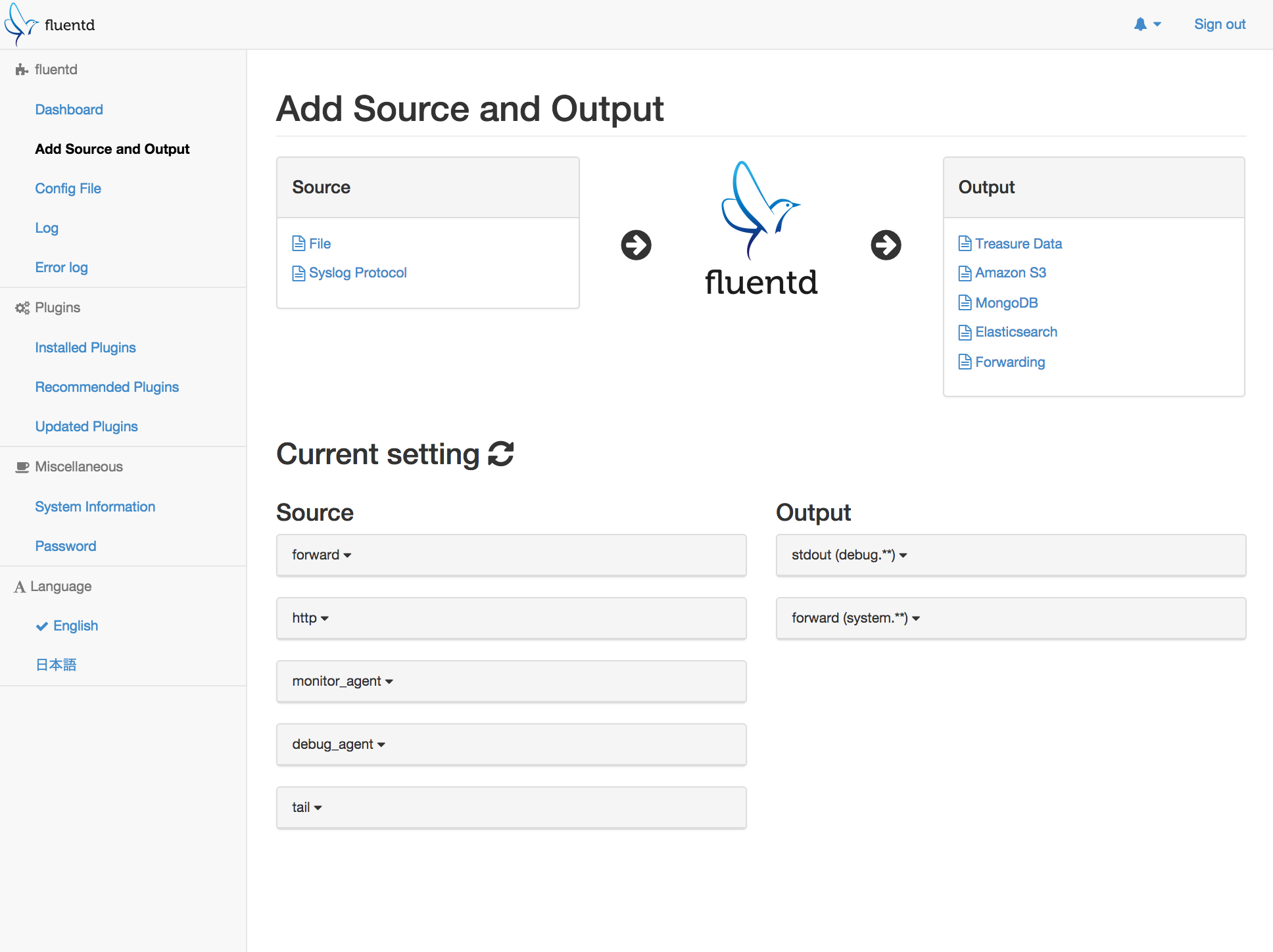
- Configure Fluentd settings such as config file, pid file path, etc.
- View Fluentd log with simple error viewer
fluentd-ui is not maintained anymore. It won't work with fluent-package. This content is for v0.12 for now.
Enterprise
Chronosphere Telemetry Pipeline provides an enterprise UI on top of Fluentd and Fluent Bit. Please visit their site for more information.
Getting Started
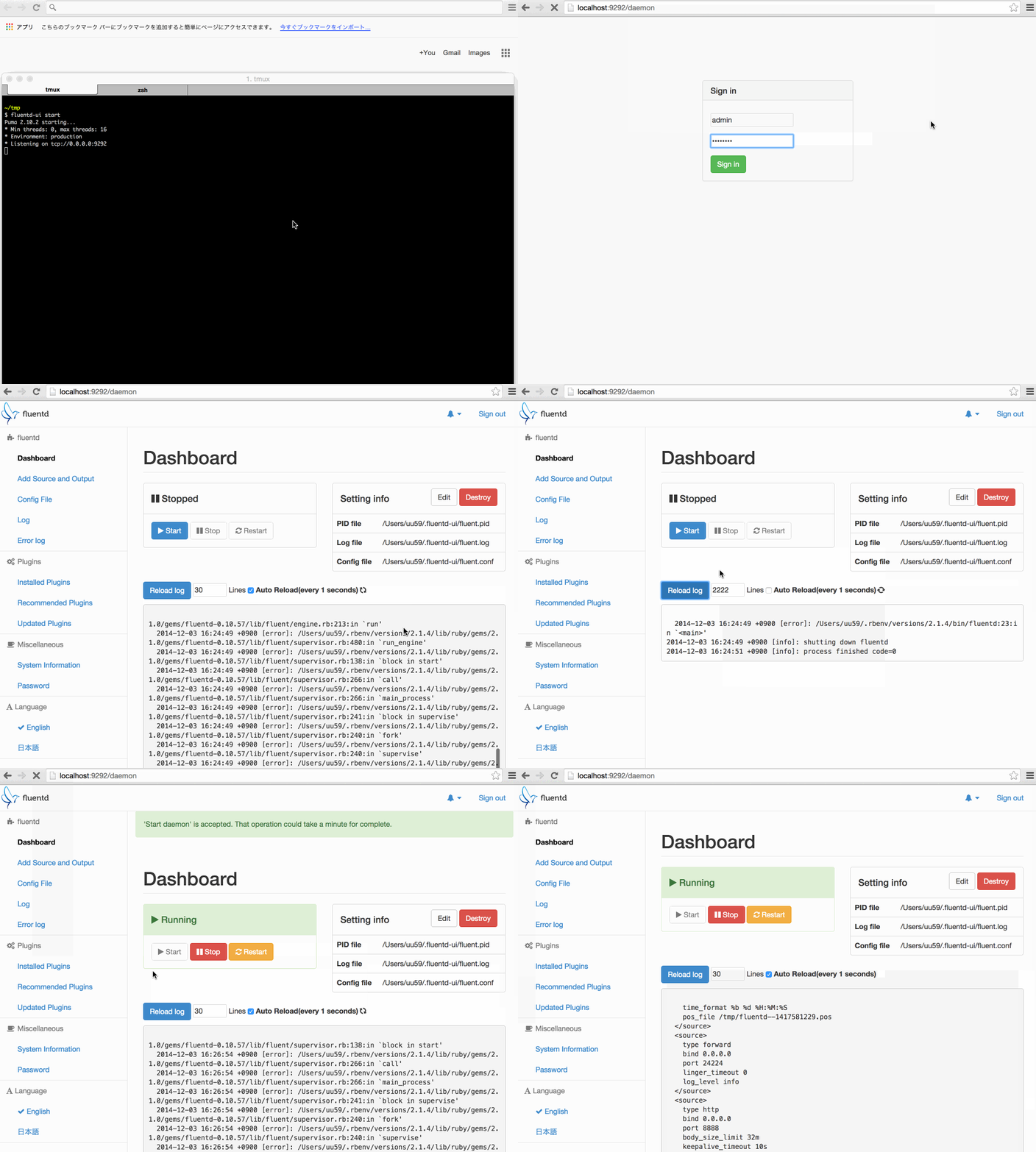
For td-agent, you can start it by td-agent-ui start like this:
$ sudo /usr/sbin/td-agent-ui start
Puma 2.9.2 starting...
* Min threads: 0, max threads: 16
* Environment: production
* Listening on tcp://0.0.0.0:9292
For fluentd gem installation, install fluentd-ui via gem command:
$ gem install -V fluentd-ui
$ fluentd-ui start
Puma 2.9.2 starting...
* Min threads: 0, max threads: 16
* Environment: production
* Listening on tcp://0.0.0.0:9292
Then, open http://localhost:9292/ in your browser.
The default account credentials are:
username="admin"password="changeme"
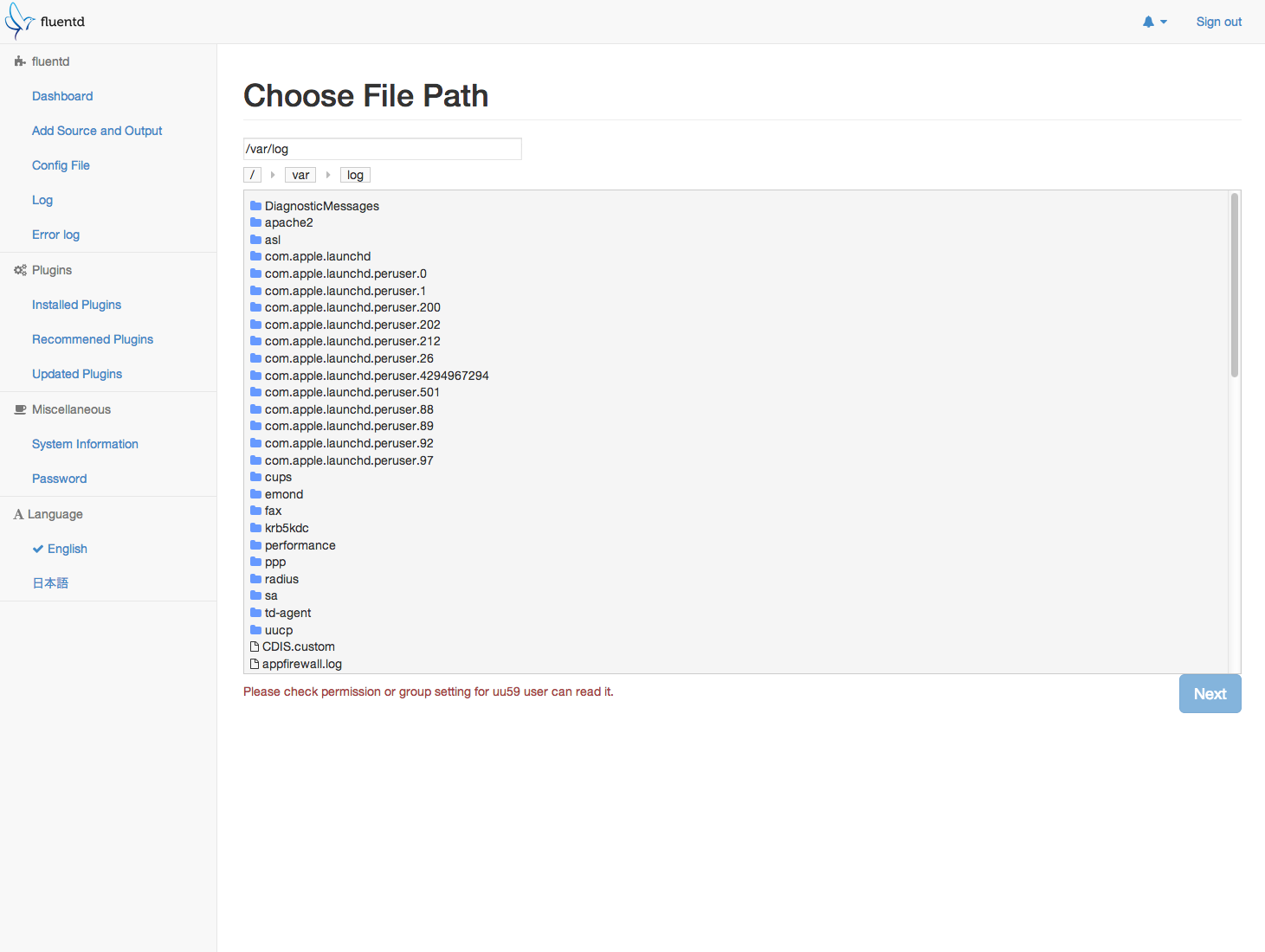
Screenshots
(v0.3.9)
Dashboard
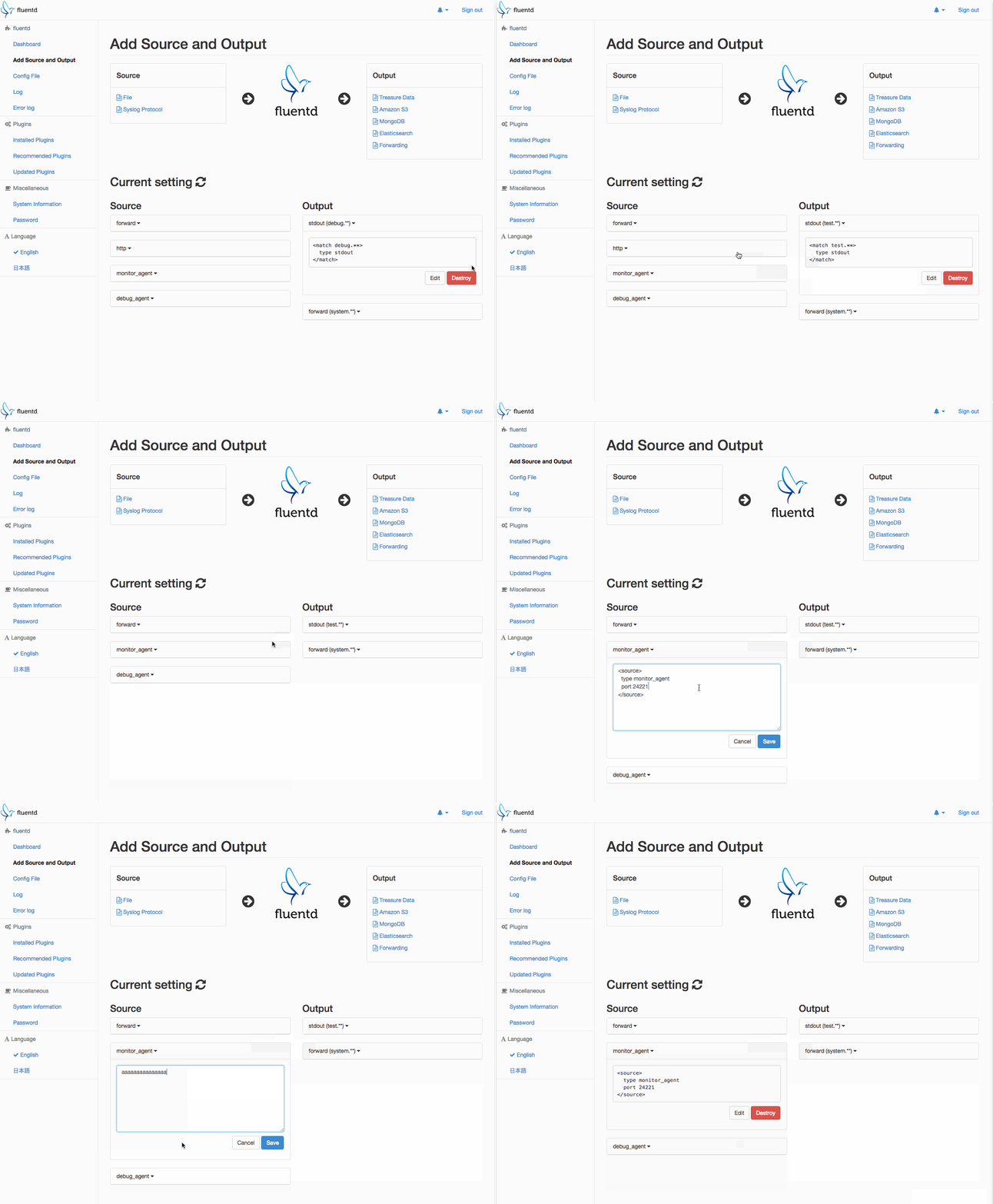
Setting
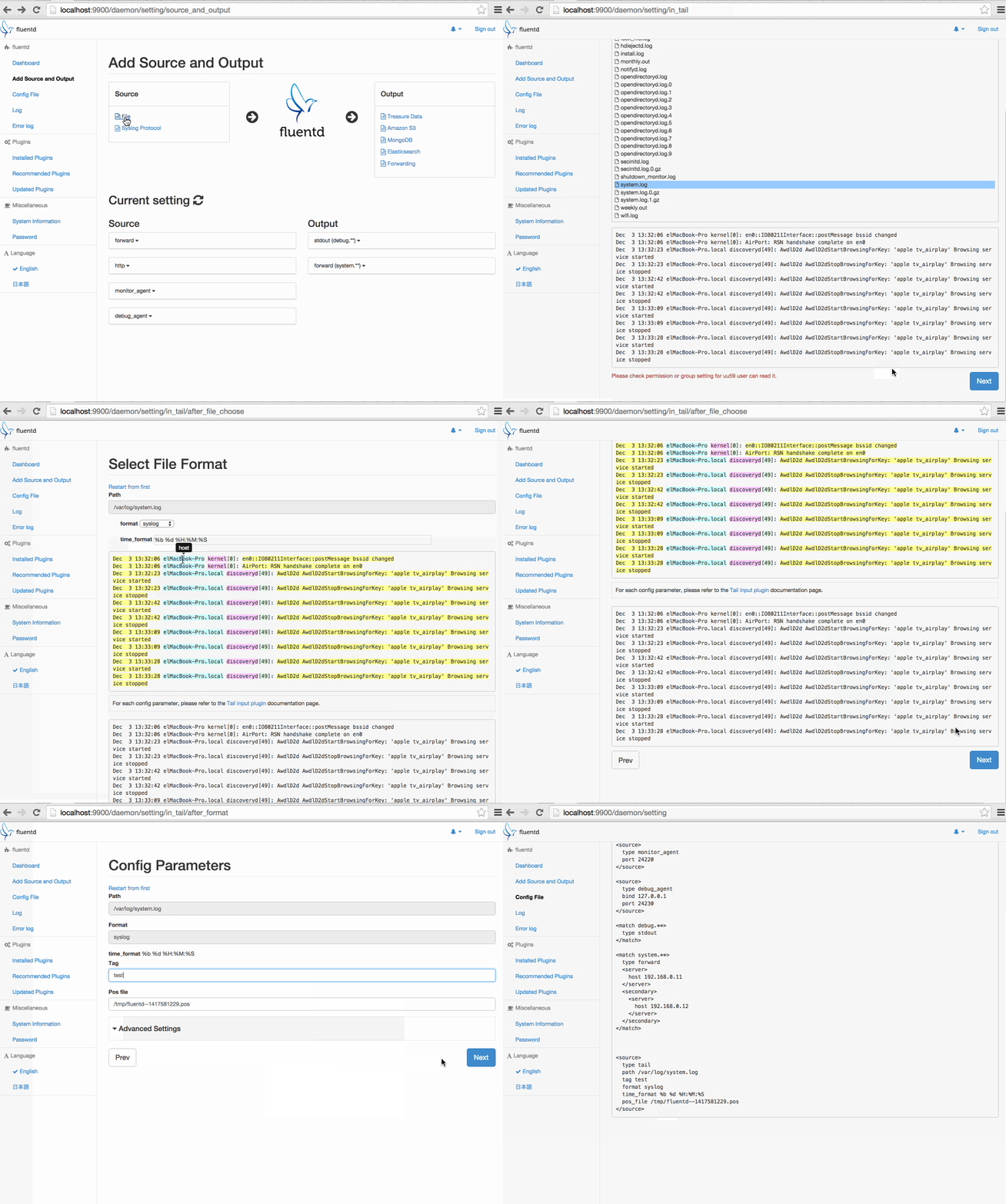
in_tail setting
Plugin